
Từ lời nhắc AI đến tài nguyên dùng được
Biến lưới ChatGPT thành sprite, thành phần UI, tài nguyên thiết kế: sao câu lệnh, cắt kết quả, xuất phần.
Câu lệnh AI dùng ngay
Sao chép các lời nhắc này trực tiếp vào ChatGPT, DALL-E hoặc Midjourney để tạo tài nguyên theo lưới. Mỗi lời nhắc yêu cầu nền trong suốt, giúp Cắt sprite sheet tự tìm mép sprite.
Game Sprites
Lời nhắc sẵn cho lưới cho game sprites
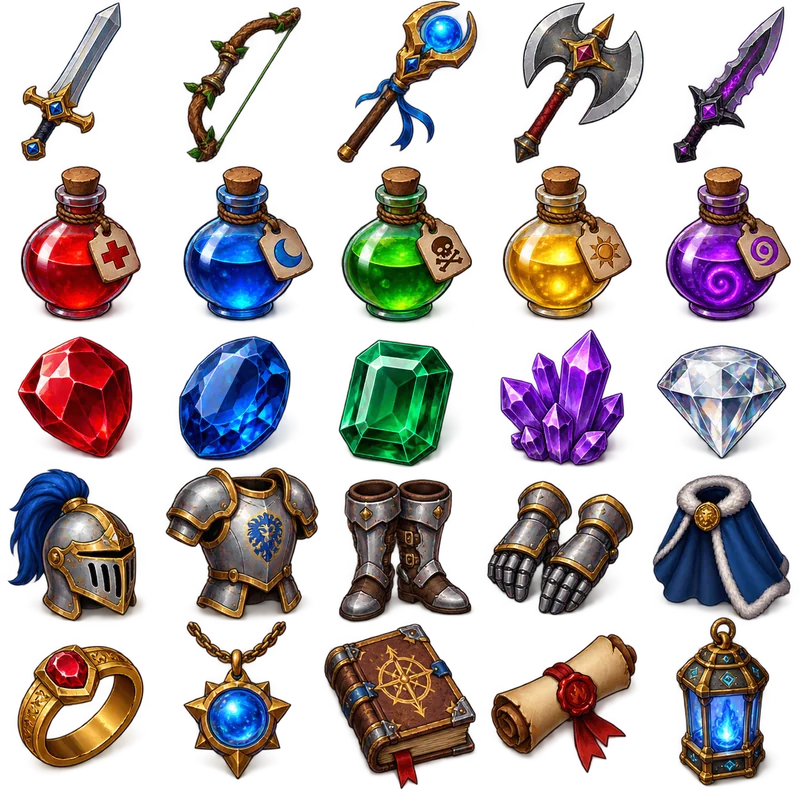
Item Collection Grid
"Generate a collection of fantasy RPG items arranged in a 5x5 grid format. The final image must be exactly 1024x1024 pixels, with each item exactly 128x128 pixels and aligned within the grid. Include: weapons (swords, bows, staffs), potions (health, mana, poison), gems (ruby, sapphire, emerald), armor pieces, and magical artifacts. Use a consistent isometric perspective and fantasy art style, with vibrant colors and subtle shadows. Items should be clearly distinguishable and game-ready. Transparent background."
UI Elements
Lời nhắc sẵn cho lưới cho ui elements
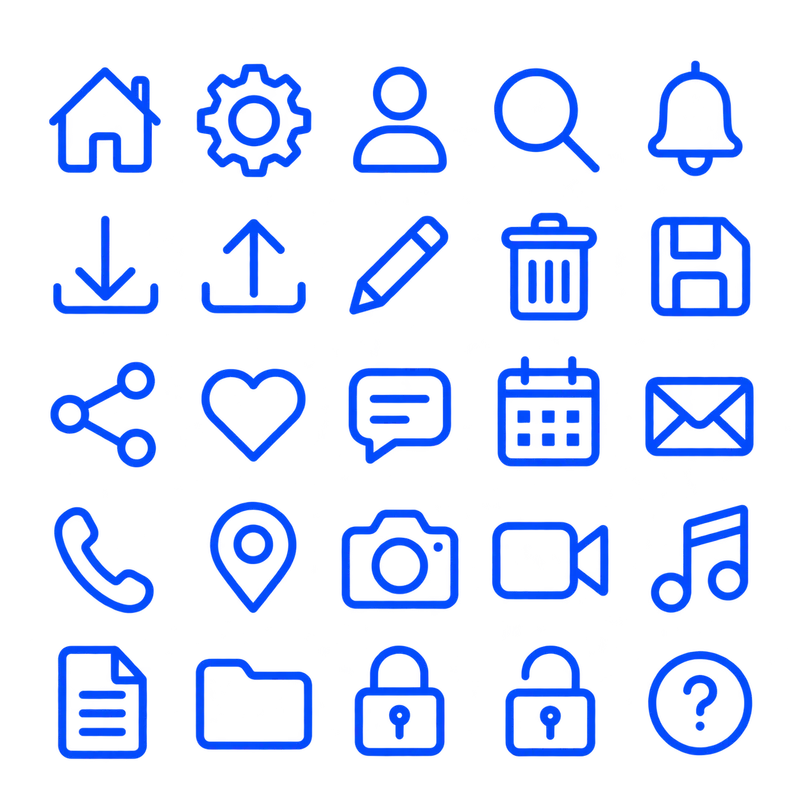
Icon Pack Grid
"Design a colour icon pack in a 5×5 grid, totaling 25 essential icons. Include: home, settings, user, search, notification, download, upload, edit, delete, save, share, like, comment, calendar, email, phone, location, camera, video, music, document, folder, lock, unlock, and help. Use a consistent line-based style with uniform stroke weight and a single-color palette. The final image should be 1024×1024 pixels with a transparent background. Do not include any text, labels, or titles — only show the assets"
Patterns & Textures
Lời nhắc sẵn cho lưới cho patterns & textures
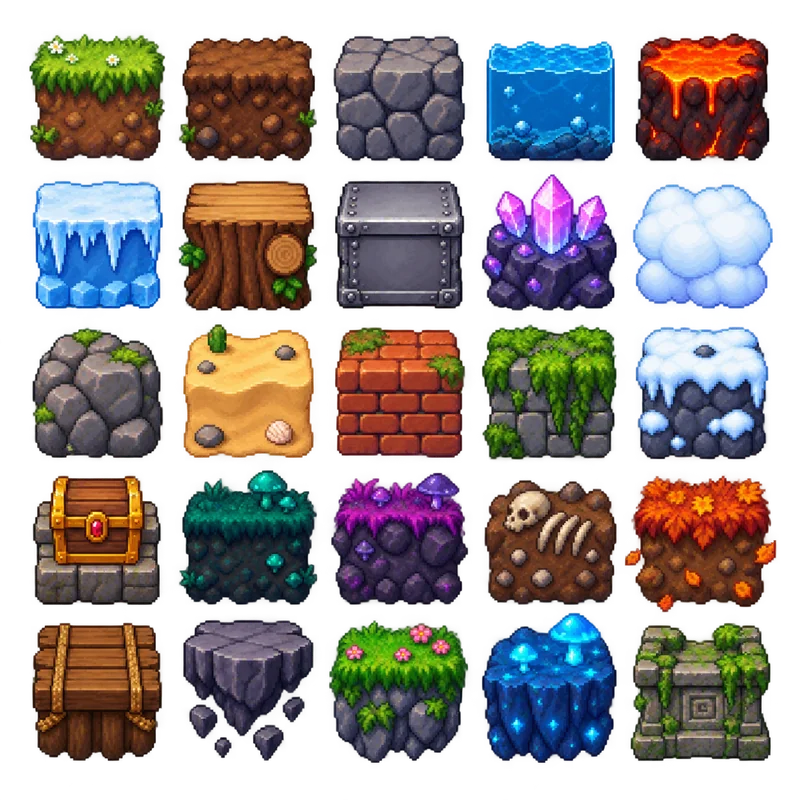
Game Environment Tiles
"Generate a pixel art environment tile set for a 2D platformer game arranged in a perfect 5×5 grid, totaling 25 tiles. The final image must be exactly 1024×1024 pixels, with each tile exactly 128×128 pixels and perfectly aligned within the grid. Maintain equal transparent padding so no tiles touch. Include grass, dirt, stone, water, lava, ice, wood, metal, crystal, cloud, rock, sand, brick, moss, snow, treasure chest, and additional fantasy-themed terrain. Use a consistent pixel art style with identical pixel density, vibrant colors, and proper shading for all tiles. Ensure every tile has the same scale, lighting, and perspective. Do not include any text or labels — only the assets. Transparent background."
Marketing & Social Media
Lời nhắc sẵn cho lưới cho marketing & social media
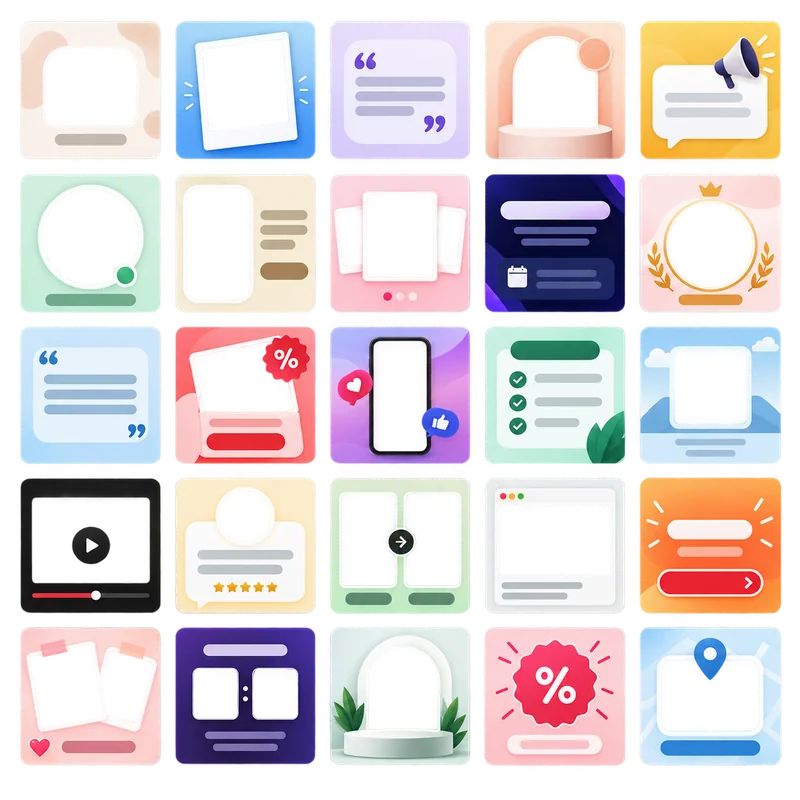
Social Media Post Templates
"Create a collection of 25 modern social media post templates arranged in a perfect 5×5 grid. The final image must be exactly 1024×1024 pixels, with each template exactly 128×128 pixels and perfectly aligned within the grid. Maintain equal transparent padding so no templates touch, with consistent margins on all sides. Include diverse layouts across the set: minimal text overlay, photo frame, quote card, product showcase, announcement banner, story highlight, event promotion, brand spotlight, call-to-action post, and other creative variations. Use a clean, contemporary design with consistent typography styles, modern gradients, and consistent spacing. Apply brand-friendly color schemes (pastels, bold accents, monochrome variations). Ensure all templates share the same scale, style, and lighting. Leave placeholder areas for both text and images without including any actual text or branding. Transparent background."
Quy trình làm việc 3 bước
Tạo ảnh lưới, cắt trong Cắt sprite sheet, rồi xuất các phần
Tạo bằng AI
Dùng ChatGPT hoặc DALL-E tạo lưới tài nguyên
- Sao chép một lời nhắc bên dưới
- Dán vào ChatGPT hoặc DALL-E
- Tải ảnh lưới đã tạo
- Lưu độ phân giải cao (tối đa 2560×2560, nên dùng PNG)
Xử lý bằng Cắt sprite sheet
Tải và cắt ảnh AI
- Tải ảnh AI (256×256 đến 2560×2560)
- Kéo đường lưới vào khoảng trống
- Chọn định dạng và chất lượng đầu ra
- Tạo tệp tài nguyên riêng
Xuất & Sử dụng
Tải và triển khai trong dự án
- Tải tệp riêng hoặc ZIP
- Nhập engine trò chơi hoặc công cụ thiết kế
- Tối ưu thêm nếu cần
- Triển khai trong ứng dụng
Nếu trình tạo trả nền phẳng thay trong suốt, xóa bằng công cụ xóa nền trước khi cắt — xử lý một lần trên toàn sheet tốt hơn xử lý từng ô. Theo chiều ngược lại, sau khi cắt các ô bạn có thể đóng gói lại thành một sheet đồng đều bằng trình tạo sprite sheet.
Mẹo và cách làm tốt
Nên đưa gì vào prompt và làm gì với ảnh sau khi có nó
Hướng dẫn cài đặt xuất
Thiết lập xuất hợp lý cho từng mục đích và nền tảng
PNGPhát triển trò chơi
Giữ cạnh sắc cho pixel art và sprite
WebPỨng dụng web
Cân bằng tốt nhất giữa chất lượng và tốc độ tải
PNGThiết kế in ấn
Tài nguyên sẵn sàng in với kênh alpha nguyên vẹn
WebPỨng dụng di động
Đủ nhỏ để giảm thời gian tải trên điện thoại
Cắt sprite sheet xuất PNG, JPG, WebP trực tiếp. Để đổi sau hoặc chuyển cả thư mục ô cùng lúc, dùng công cụ chuyển ảnh; để giảm tệp theo giới hạn dung lượng mà không tự chọn mức chất lượng, hãy dùng công cụ nén ảnh.
Sẵn sàng cắt lưới?
Sao chép lời nhắc, tạo ảnh lưới rồi thả vào Cắt bảng sprite. Không tải lên — việc cắt chạy trong trình duyệt.