
Dari Prompt AI ke Aset yang Dapat Digunakan
Ubah gambar kisi hasil ChatGPT menjadi sprite game, komponen UI, dan aset desain: salin prompt, potong hasilnya, lalu ekspor potongannya.
Prompt AI Siap Pakai
Salin prompt ini langsung ke ChatGPT, DALL-E, atau Midjourney untuk membuat aset berbasis kisi. Masing-masing meminta latar transparan, yang memungkinkan Pemotong Lembar Sprite menemukan sendiri tepi sprite.
Game Sprites
Prompt siap kisi untuk game sprites
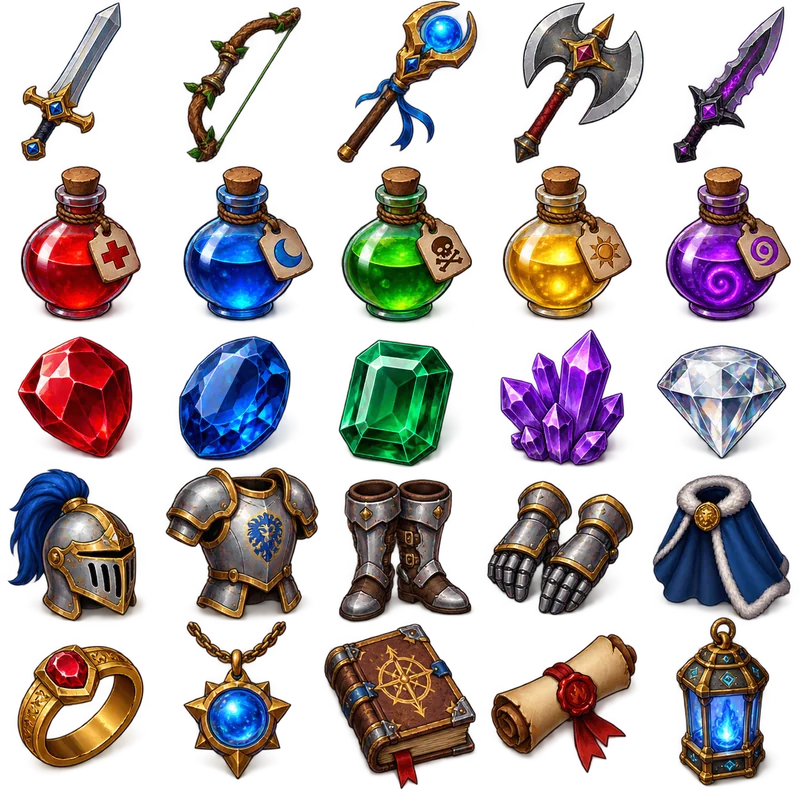
Item Collection Grid
"Generate a collection of fantasy RPG items arranged in a 5x5 grid format. The final image must be exactly 1024x1024 pixels, with each item exactly 128x128 pixels and aligned within the grid. Include: weapons (swords, bows, staffs), potions (health, mana, poison), gems (ruby, sapphire, emerald), armor pieces, and magical artifacts. Use a consistent isometric perspective and fantasy art style, with vibrant colors and subtle shadows. Items should be clearly distinguishable and game-ready. Transparent background."
UI Elements
Prompt siap kisi untuk ui elements
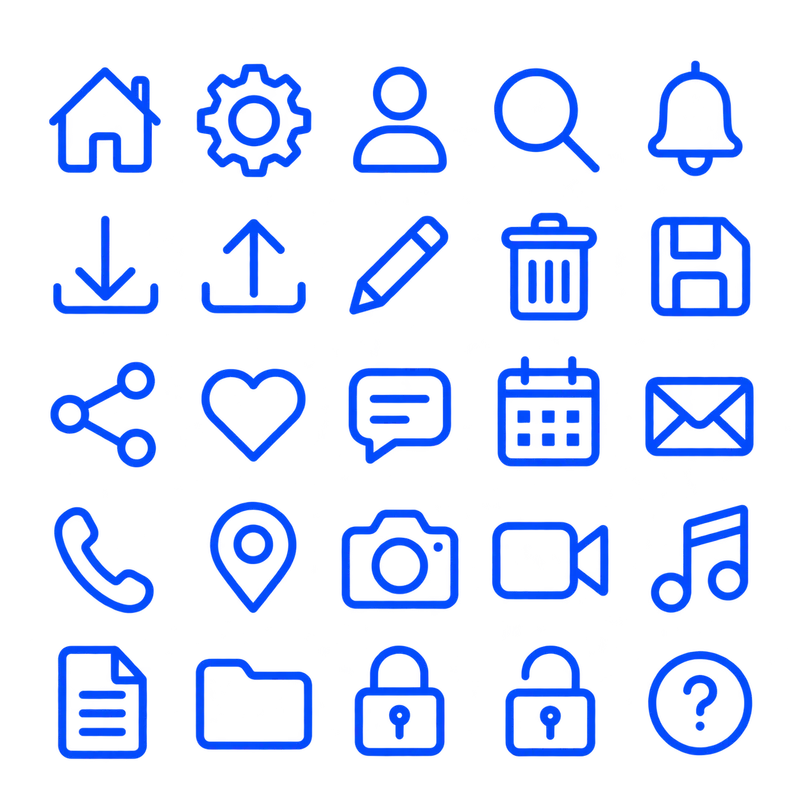
Icon Pack Grid
"Design a colour icon pack in a 5×5 grid, totaling 25 essential icons. Include: home, settings, user, search, notification, download, upload, edit, delete, save, share, like, comment, calendar, email, phone, location, camera, video, music, document, folder, lock, unlock, and help. Use a consistent line-based style with uniform stroke weight and a single-color palette. The final image should be 1024×1024 pixels with a transparent background. Do not include any text, labels, or titles — only show the assets"
Patterns & Textures
Prompt siap kisi untuk patterns & textures
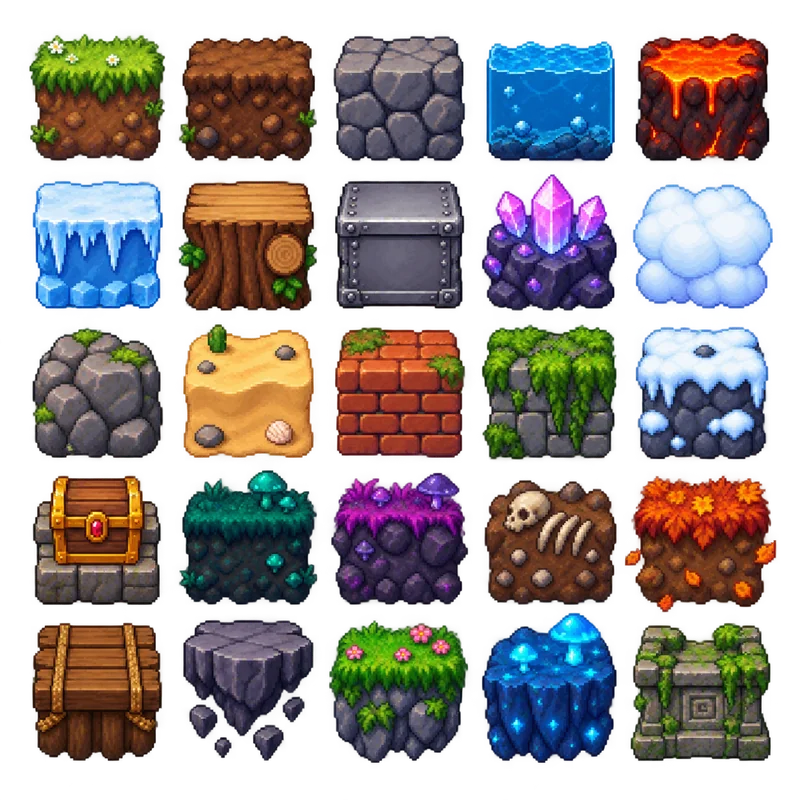
Game Environment Tiles
"Generate a pixel art environment tile set for a 2D platformer game arranged in a perfect 5×5 grid, totaling 25 tiles. The final image must be exactly 1024×1024 pixels, with each tile exactly 128×128 pixels and perfectly aligned within the grid. Maintain equal transparent padding so no tiles touch. Include grass, dirt, stone, water, lava, ice, wood, metal, crystal, cloud, rock, sand, brick, moss, snow, treasure chest, and additional fantasy-themed terrain. Use a consistent pixel art style with identical pixel density, vibrant colors, and proper shading for all tiles. Ensure every tile has the same scale, lighting, and perspective. Do not include any text or labels — only the assets. Transparent background."
Marketing & Social Media
Prompt siap kisi untuk marketing & social media
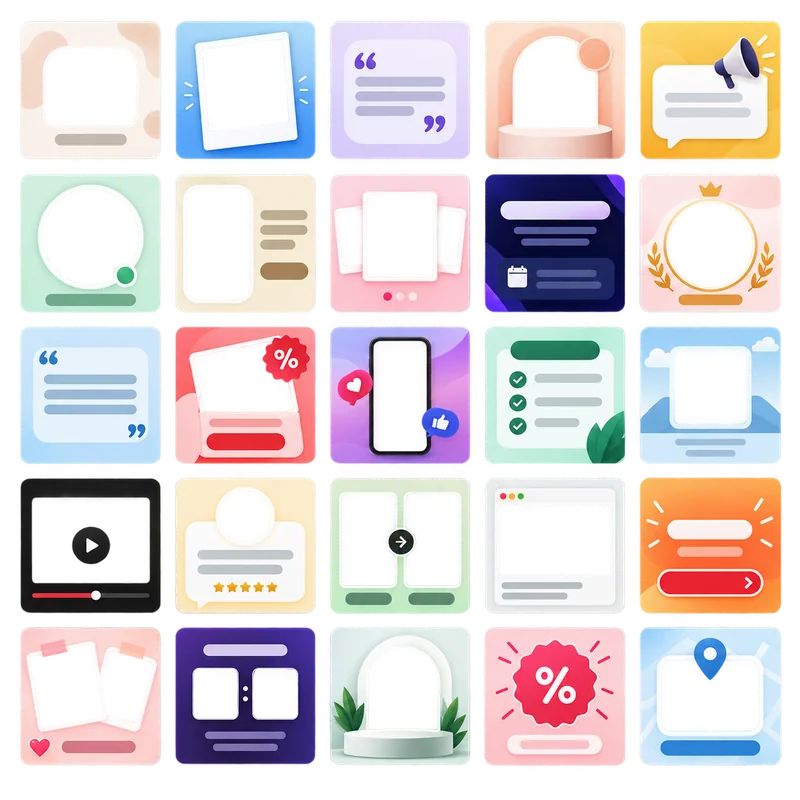
Social Media Post Templates
"Create a collection of 25 modern social media post templates arranged in a perfect 5×5 grid. The final image must be exactly 1024×1024 pixels, with each template exactly 128×128 pixels and perfectly aligned within the grid. Maintain equal transparent padding so no templates touch, with consistent margins on all sides. Include diverse layouts across the set: minimal text overlay, photo frame, quote card, product showcase, announcement banner, story highlight, event promotion, brand spotlight, call-to-action post, and other creative variations. Use a clean, contemporary design with consistent typography styles, modern gradients, and consistent spacing. Apply brand-friendly color schemes (pastels, bold accents, monochrome variations). Ensure all templates share the same scale, style, and lighting. Leave placeholder areas for both text and images without including any actual text or branding. Transparent background."
Proses Alur Kerja 3 Langkah
Buat gambar kisi, potong dalam Pemotong Lembar Sprite, lalu ekspor potongannya
Buat dengan AI
Gunakan ChatGPT atau DALL-E untuk membuat kisi aset Anda
- Salin salah satu prompt di bawah
- Tempel ke ChatGPT atau DALL-E
- Unduh gambar kisi yang dihasilkan
- Simpan dalam resolusi tinggi (hingga 2560×2560, PNG disarankan)
Proses dengan Pemotong Lembar Sprite
Unggah dan potong gambar hasil AI Anda
- Unggah gambar hasil AI Anda (256×256 hingga 2560×2560)
- Seret garis kisi sampai berada di celah
- Pilih format dan kualitas keluaran
- Buat berkas aset individual
Ekspor & Gunakan
Unduh dan terapkan dalam proyek Anda
- Unduh sebagai berkas individual atau ZIP
- Impor ke engine game atau alat desain Anda
- Optimalkan lebih lanjut jika diperlukan
- Terapkan dalam aplikasi Anda
Jika generator menghasilkan latar datar, bukan transparan, bersihkan dalam penghapus latar sebelum pemotongan — satu putaran pada seluruh sheet lebih baik daripada satu putaran per tile. Sebaliknya, setelah tile dipotong, Anda dapat mengepaknya kembali menjadi satu sheet seragam dengan generator sprite sheet.
Tips & Praktik Terbaik
Apa yang perlu ditulis dalam prompt, dan apa yang dilakukan setelah gambar tersedia
Panduan Pengaturan Ekspor
Pengaturan ekspor masuk akal untuk berbagai penggunaan dan platform
PNGPengembangan Game
Mempertahankan tepian tajam seni piksel dan sprite
WebPAplikasi Web
Keseimbangan terbaik antara kualitas dan kecepatan pemuatan
PNGDesain Cetak
Aset siap cetak dengan kanal alfa utuh
WebPAplikasi Seluler
Cukup kecil untuk menjaga waktu muat seluler rendah
Pemotong Lembar Sprite langsung mengekspor PNG, JPG, dan WebP. Untuk mengubah format setelahnya atau mengonversi seluruh folder potongan sekaligus, gunakan konverter gambar; untuk memperkecil berkas sesuai batas ukuran tanpa memilih angka kualitas secara manual, gunakan pengompres gambar.
Siap Memotong Kisi Anda?
Salin prompt, buat gambar kisi, lalu masukkan ke Pemotong Lembar Sprite. Tidak ada yang diunggah — pemotongan berjalan di peramban Anda.