
From AI Prompt to Usable Assets
Turn ChatGPT-generated grid images into game sprites, UI components, and design assets: copy a prompt, slice the result, export the pieces.
Ready-to-Use AI Prompts
Copy these prompts straight into ChatGPT, DALL-E, or Midjourney to generate grid-based assets. Each one asks for a transparent background, which is what lets Sprite Sheet Slicer find the sprite edges on its own.
Game Sprites
Grid-ready prompts for game sprites
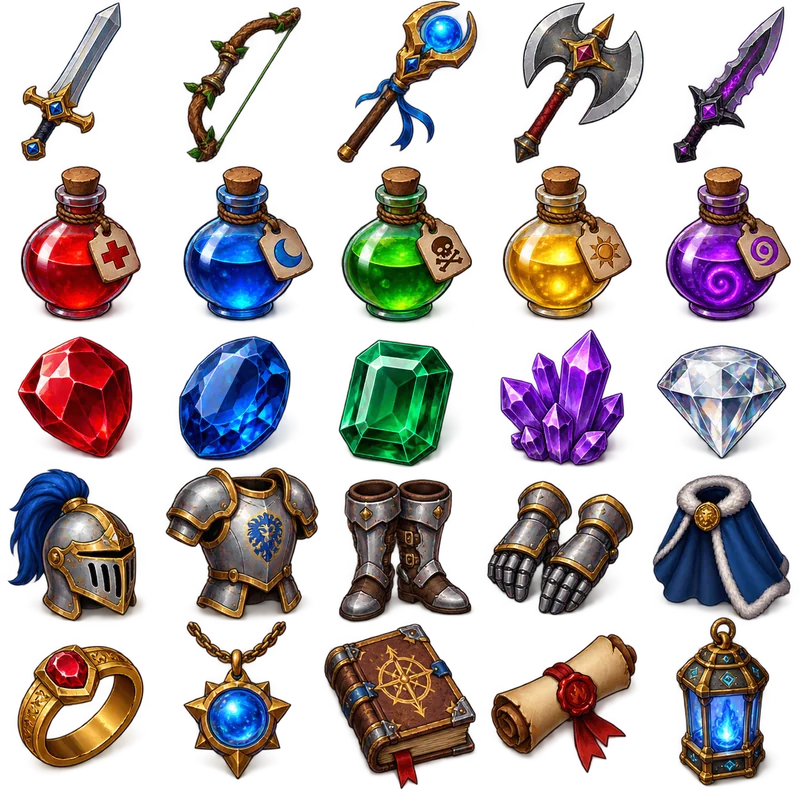
Item Collection Grid
"Generate a collection of fantasy RPG items arranged in a 5x5 grid format. The final image must be exactly 1024x1024 pixels, with each item exactly 128x128 pixels and aligned within the grid. Include: weapons (swords, bows, staffs), potions (health, mana, poison), gems (ruby, sapphire, emerald), armor pieces, and magical artifacts. Use a consistent isometric perspective and fantasy art style, with vibrant colors and subtle shadows. Items should be clearly distinguishable and game-ready. Transparent background."
UI Elements
Grid-ready prompts for ui elements

Icon Pack Grid
"Design a colour icon pack in a 5×5 grid, totaling 25 essential icons. Include: home, settings, user, search, notification, download, upload, edit, delete, save, share, like, comment, calendar, email, phone, location, camera, video, music, document, folder, lock, unlock, and help. Use a consistent line-based style with uniform stroke weight and a single-color palette. The final image should be 1024×1024 pixels with a transparent background. Do not include any text, labels, or titles — only show the assets"
Patterns & Textures
Grid-ready prompts for patterns & textures
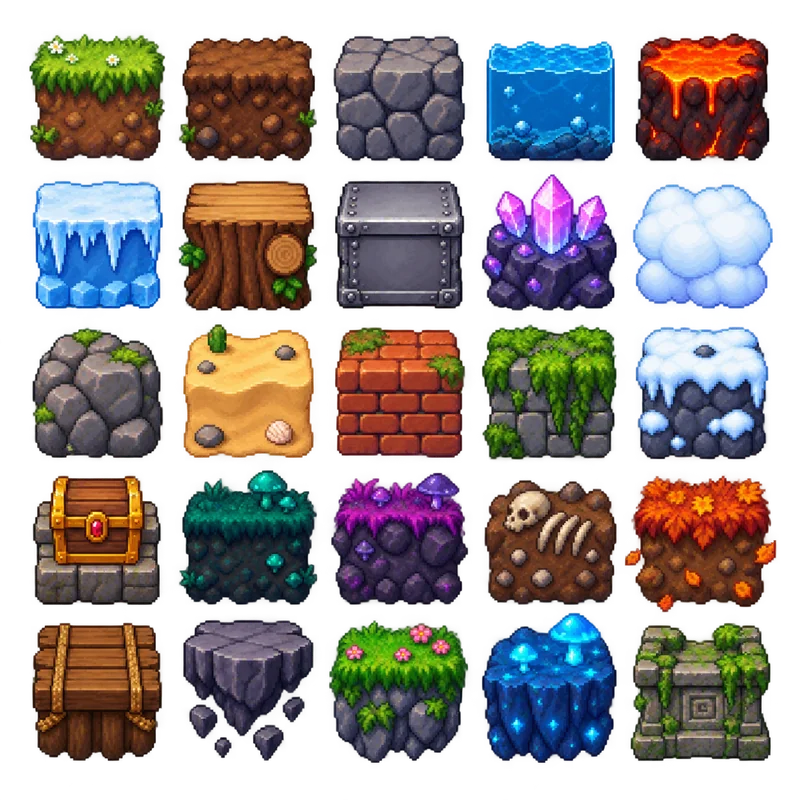
Game Environment Tiles
"Generate a pixel art environment tile set for a 2D platformer game arranged in a perfect 5×5 grid, totaling 25 tiles. The final image must be exactly 1024×1024 pixels, with each tile exactly 128×128 pixels and perfectly aligned within the grid. Maintain equal transparent padding so no tiles touch. Include grass, dirt, stone, water, lava, ice, wood, metal, crystal, cloud, rock, sand, brick, moss, snow, treasure chest, and additional fantasy-themed terrain. Use a consistent pixel art style with identical pixel density, vibrant colors, and proper shading for all tiles. Ensure every tile has the same scale, lighting, and perspective. Do not include any text or labels — only the assets. Transparent background."
Marketing & Social Media
Grid-ready prompts for marketing & social media
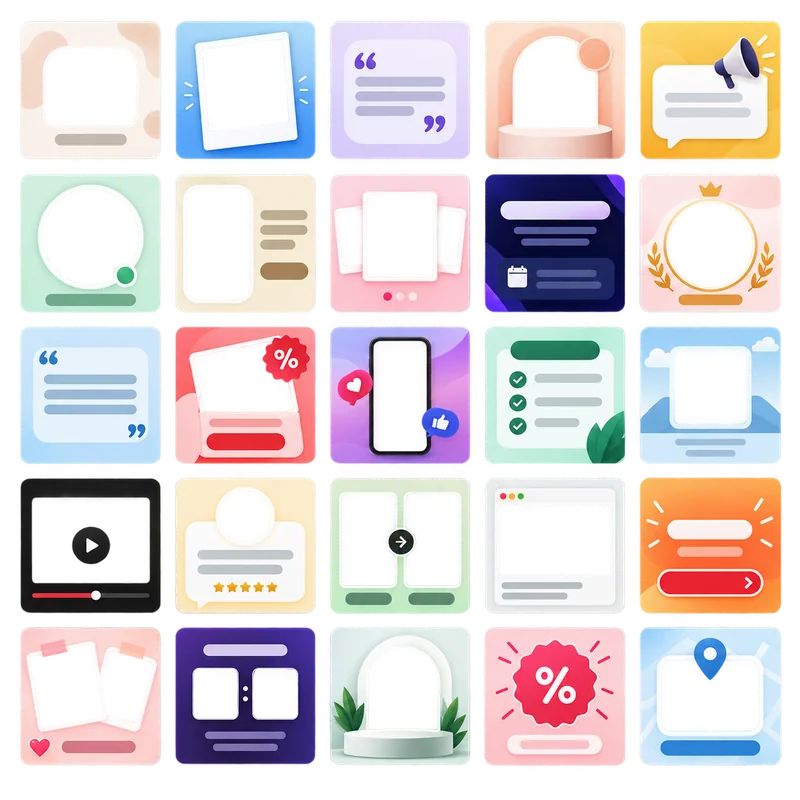
Social Media Post Templates
"Create a collection of 25 modern social media post templates arranged in a perfect 5×5 grid. The final image must be exactly 1024×1024 pixels, with each template exactly 128×128 pixels and perfectly aligned within the grid. Maintain equal transparent padding so no templates touch, with consistent margins on all sides. Include diverse layouts across the set: minimal text overlay, photo frame, quote card, product showcase, announcement banner, story highlight, event promotion, brand spotlight, call-to-action post, and other creative variations. Use a clean, contemporary design with consistent typography styles, modern gradients, and consistent spacing. Apply brand-friendly color schemes (pastels, bold accents, monochrome variations). Ensure all templates share the same scale, style, and lighting. Leave placeholder areas for both text and images without including any actual text or branding. Transparent background."
3-Step Workflow Process
Generate a grid image, slice it in Sprite Sheet Slicer, and export the pieces
Generate with AI
Use ChatGPT or DALL-E to create your asset grid
- Copy one of the prompts below
- Paste into ChatGPT or DALL-E
- Download the generated grid image
- Save in high resolution (up to 2560×2560, PNG recommended)
Process with Sprite Sheet Slicer
Upload and slice your AI-generated image
- Upload your AI-generated image (256×256 to 2560×2560)
- Drag the grid lines until they sit in the gaps
- Choose output format and quality
- Generate individual asset files
Export & Use
Download and implement in your projects
- Download as individual files or ZIP
- Import into your game engine or design tool
- Optimize further if needed
- Implement in your application
If the generator returns a flat background instead of a transparent one, clear it in the background remover before slicing — one pass on the whole sheet beats one pass per tile. Going the other way, once the tiles are cut you can pack them back into a single uniform sheet with the sprite sheet generator.
Tips & Best Practices
What to put in the prompt, and what to do with the image once you have it
Export Settings Guide
Sensible export settings for different use cases and platforms
PNGGame Development
Maintains sharp edges for pixel art and sprites
WebPWeb Applications
Best balance of quality and loading speed
PNGPrint Design
Print-ready assets with the alpha channel intact
WebPMobile Apps
Small enough to keep mobile load times down
Sprite Sheet Slicer exports PNG, JPG, and WebP directly. To change format after the fact, or to convert a whole folder of tiles at once, use the image converter; to shrink files to a size budget without picking a quality number by hand, use the image compressor.
Ready to Slice Your Grid?
Copy a prompt, generate the grid image, then drop it into Sprite Sheet Slicer. Nothing is uploaded — the slicing runs in your browser.