Blog / Tutorials
Practical walkthroughs for image preparation, sprite animation, palettes, and PDF documents. Each tutorial stands on its own, whether or not you use our tools.
Choose a readable pixel resolution, simplify a busy source, compare color limits and decide when dithering helps. Keep a native PNG and enlarge without blur.
Read the tutorial →
Make a circular PNG with transparent corners, calculate a 4:5 crop, and check each photo before batch download.
Read the tutorial →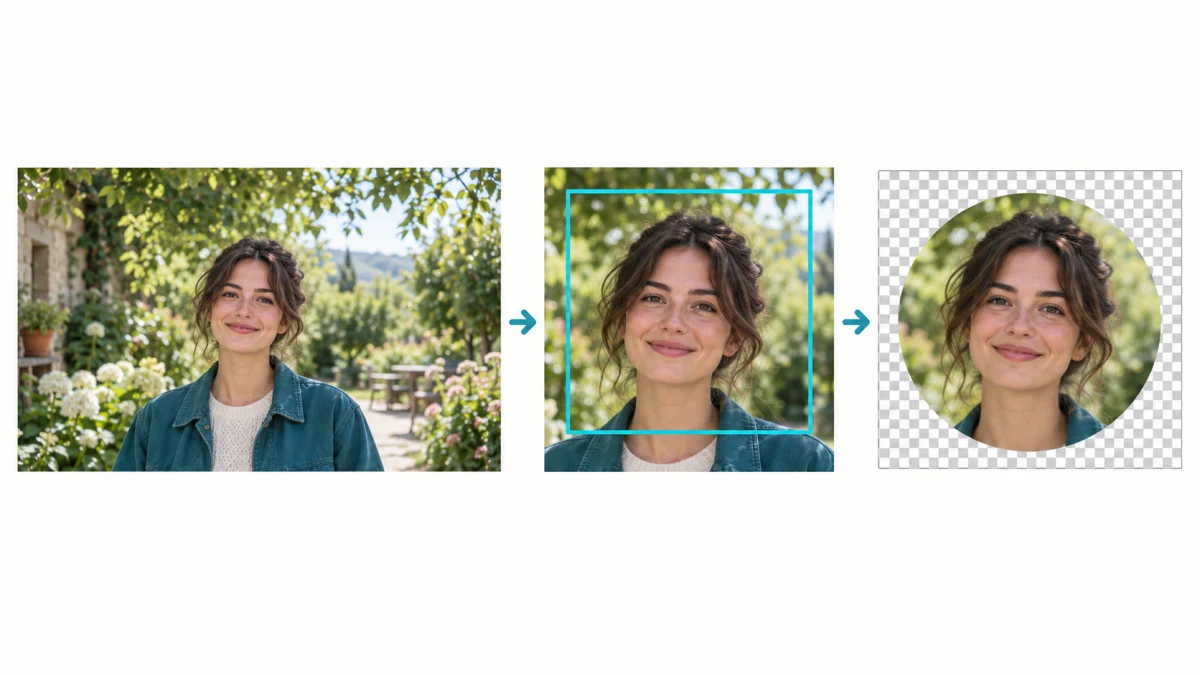
Choose a transparent logo, check light and dark photos, apply relative placement and review exceptions before exporting a ZIP.
Read the tutorial →
Separate format, file size, and dimension errors; convert HEIC photos in batches and check the downloaded copies before sharing.
Read the tutorial →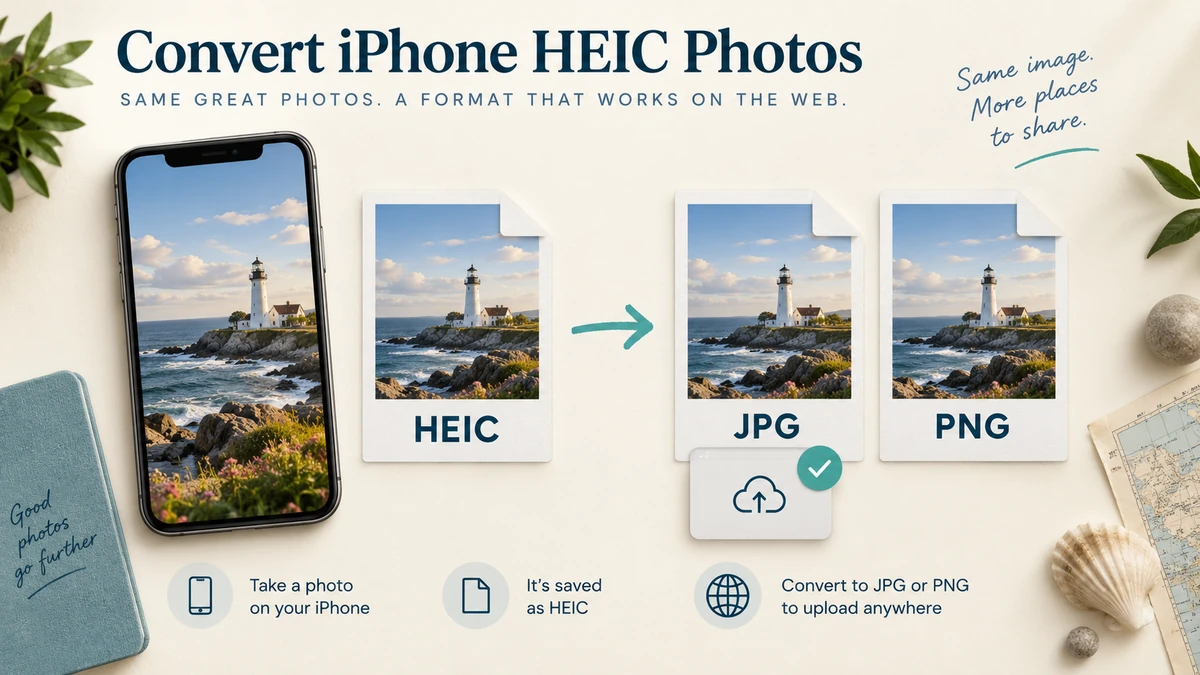
Understand RAW development, distinguish a rendered copy from a thumbnail, and choose JPG or PNG without discarding your DNG.
Read the tutorial →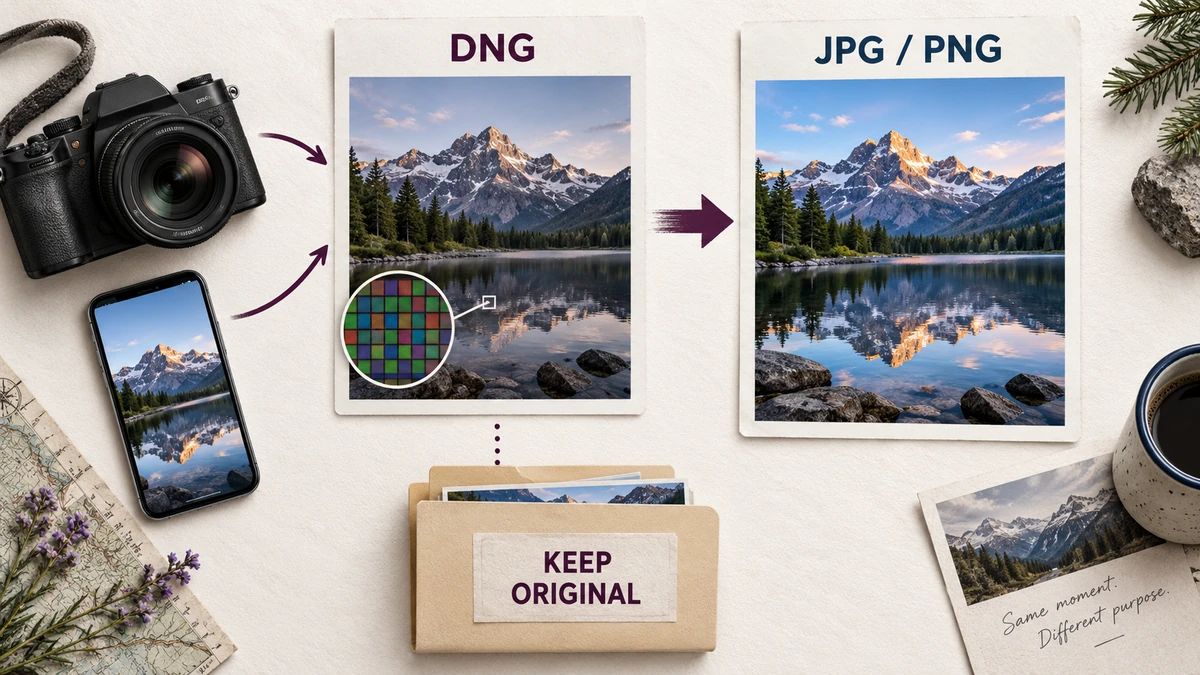
Compare matte correction, faint-pixel removal, and trimming separately, then check the PNG on light and dark backgrounds.
Read the tutorial →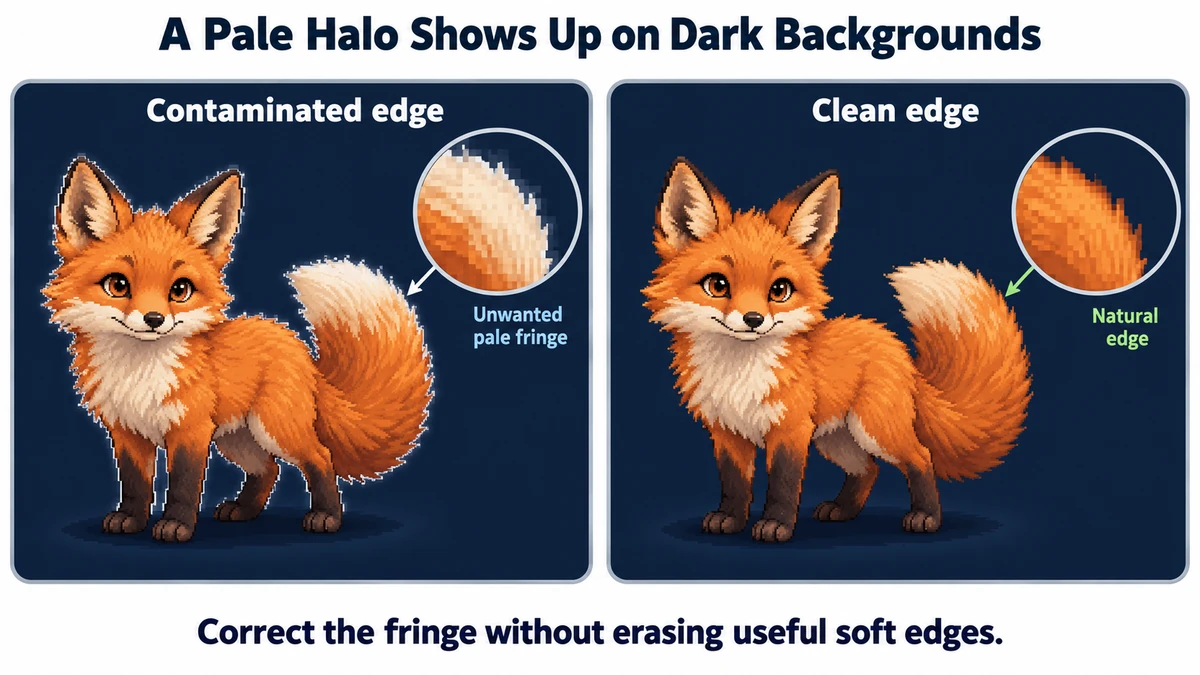
Work through a measured 4 × 3 grid, distinguish borders from gutters, and keep positions after skipping or deduplicating tiles.
Read the tutorial →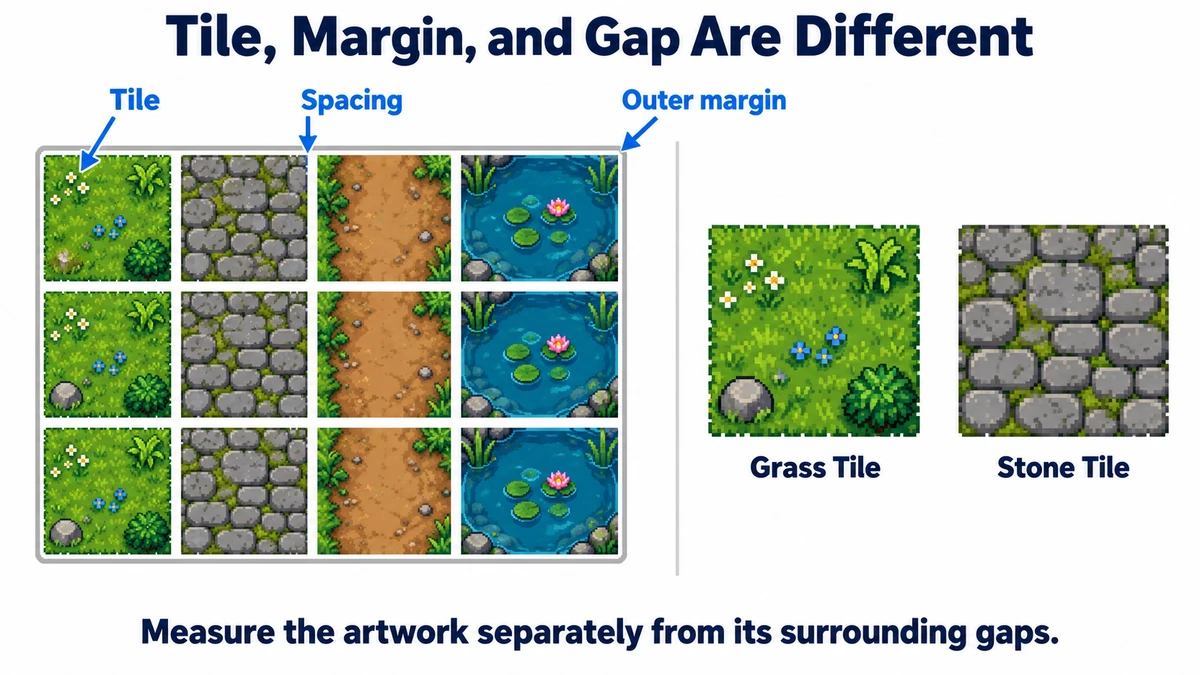
Diagnose crop origins and frame order before changing FPS; preserve a meaningful anchor while keeping intentional motion.
Read the tutorial →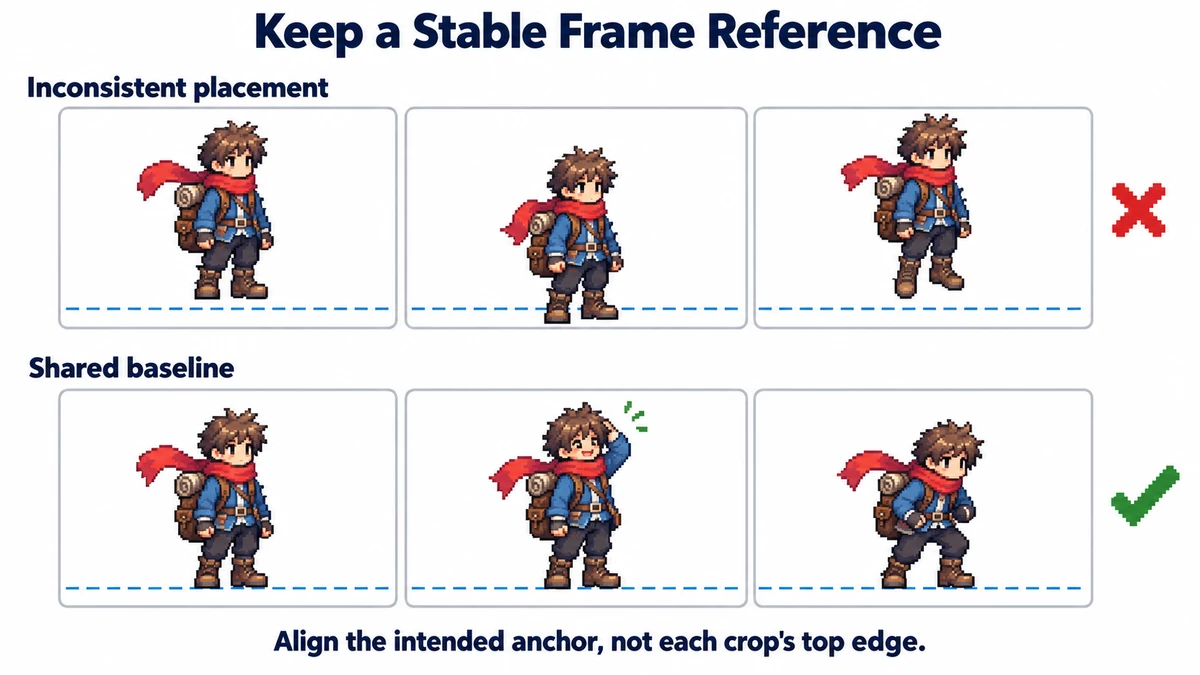
Why GIF update rectangles can leave trails, how to get complete PNG frames, and when to keep the original frame delays instead of exporting only a grid.
Read the tutorial →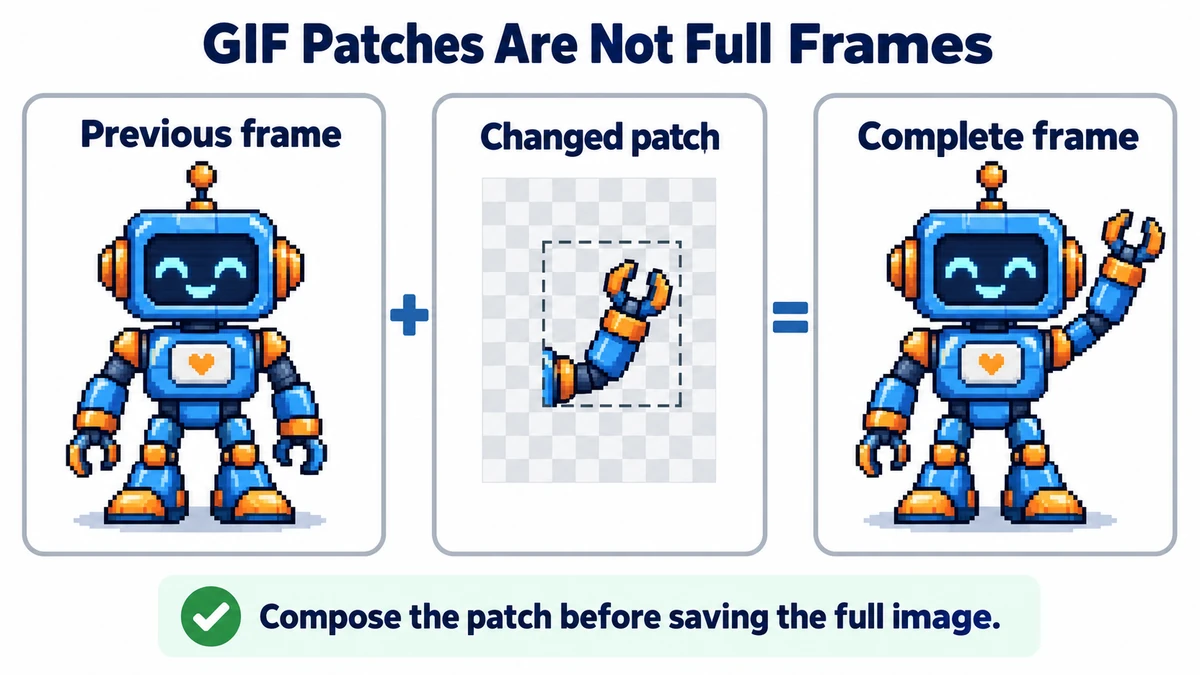
Use frame, spriteSourceSize, and sourceSize from a matching Aseprite export to rebuild aligned full-size PNGs instead of jumpy cropped poses.
Read the tutorial →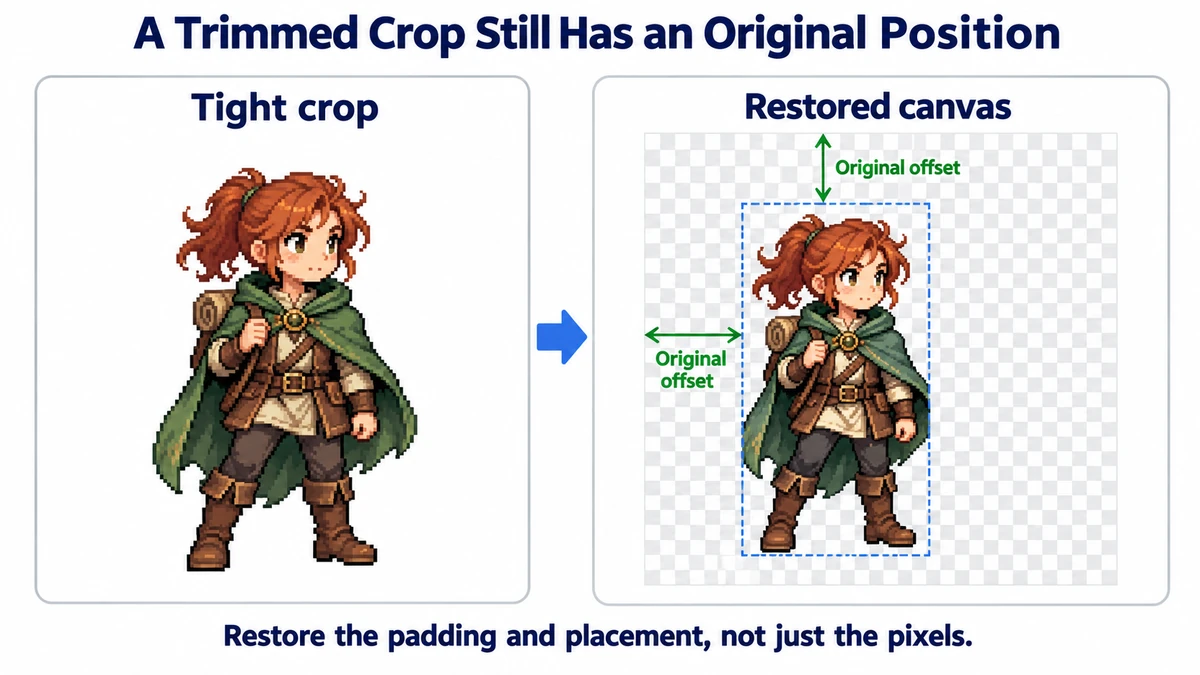
Start from clean pixels, filter faint edge colors, and turn exact color counts into intentional shadow, base, and highlight ramps.
Read the tutorial →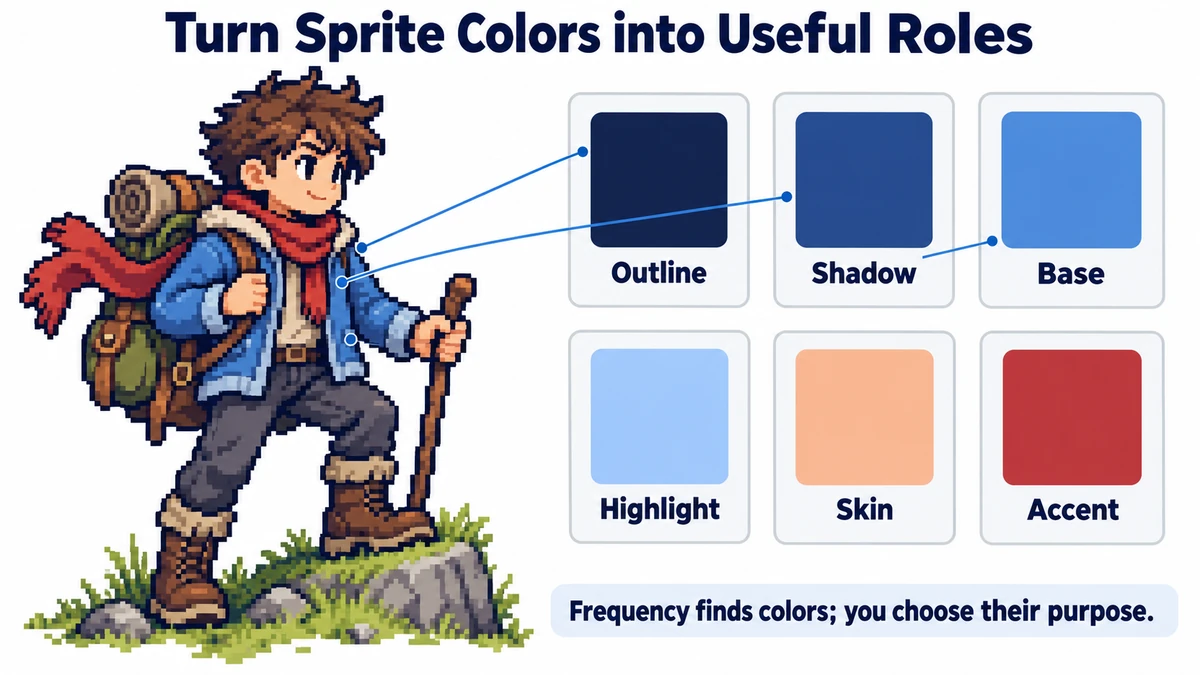
Build the final reading order page by page, insert a photographed page, remove unwanted sheets, and verify the download before sharing.
Read the tutorial →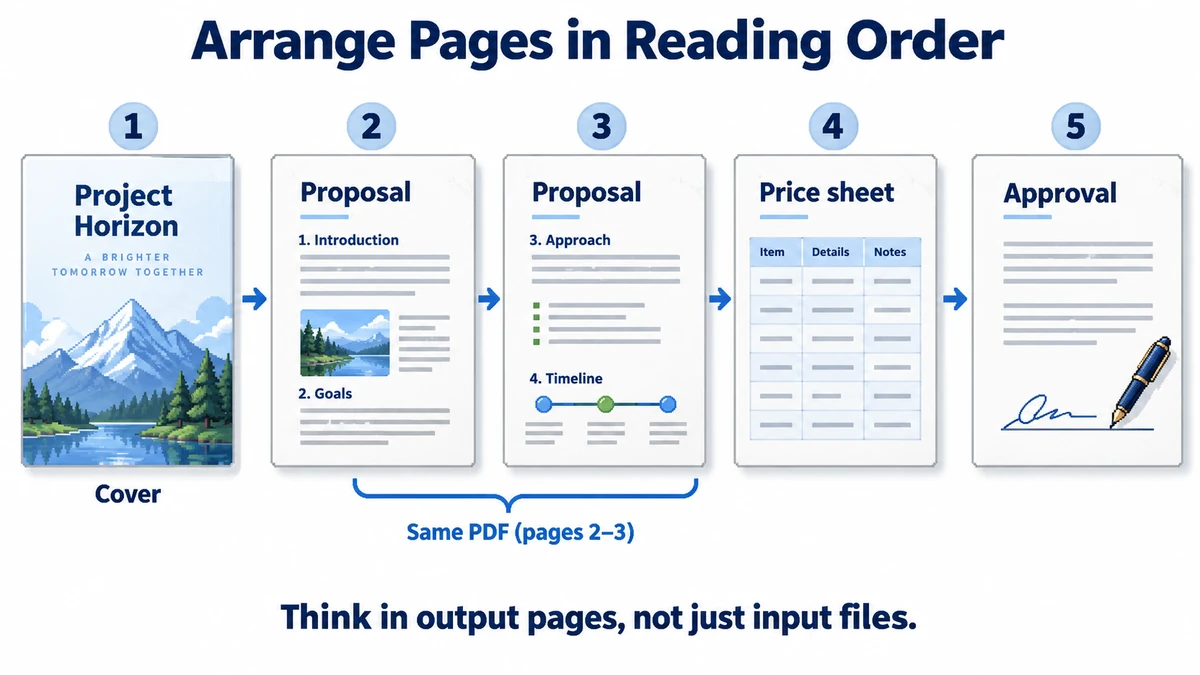
Calculate equal cells, check frame order and alignment, choose playback speed, and understand what GIF does to colors and transparency.
Read the tutorial →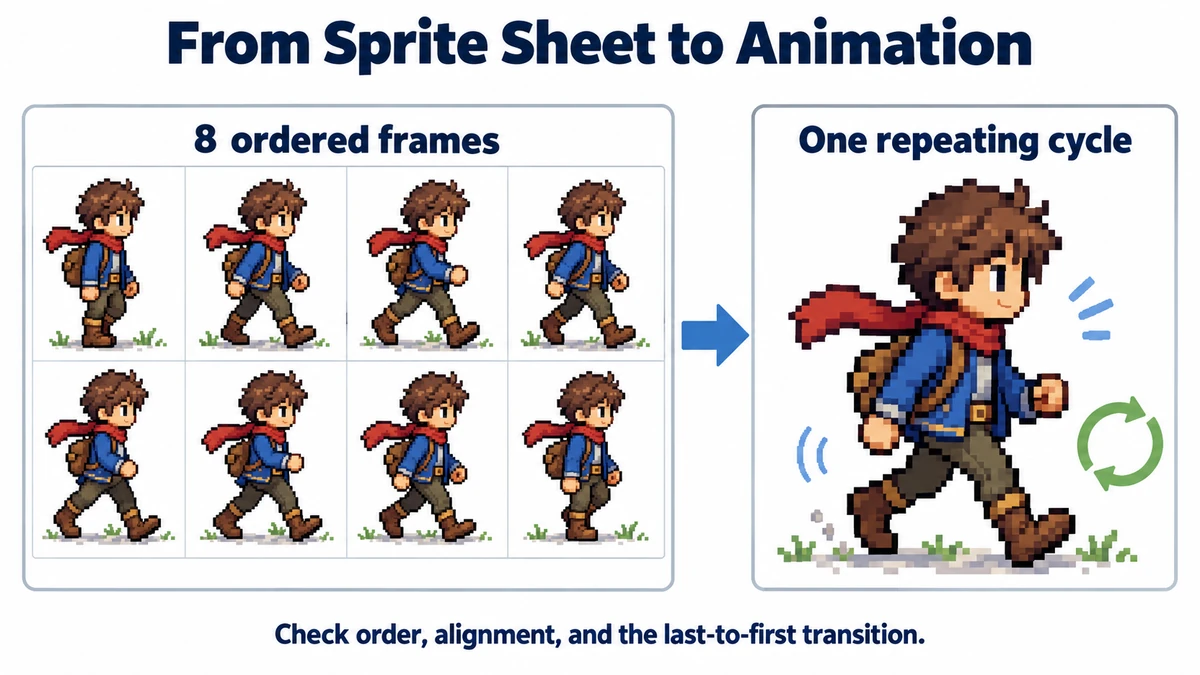
Instagram fits your photo into one of a few supported aspect ratios and crops the rest away from the centre, which is why the top of the shot keeps disappearing. This guide covers the ratios that survive, the carousel trap, Story safe areas, and why a 4K upload buys you nothing.
Read the tutorial →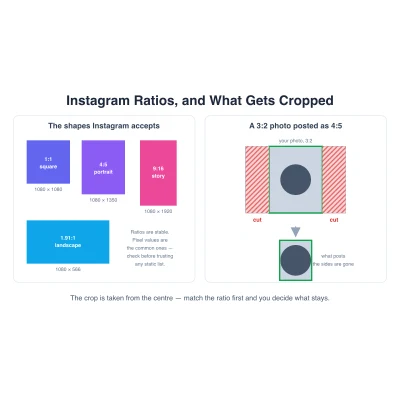
Colour-based removal, AI segmentation, and manual selection solve different problems, and picking the wrong one is why your cut-out has a halo or a hole in it. This guide explains what each method really does and how to tell which one your image needs.
Read the tutorial →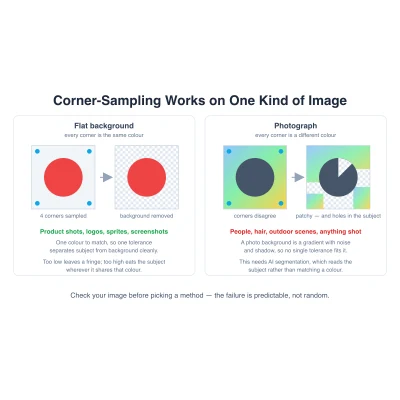
HTTP/2 removed the request-count argument that CSS sprites were invented for, so most guides on them are arguing for a problem you no longer have. This one covers what genuinely still justifies a sprite, the background-position and retina background-size math, and when an SVG sprite is the better answer.
Read the tutorial →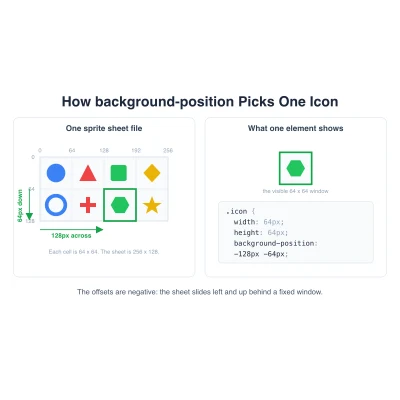
AI image generators rarely place sprites on an even grid, so a plain rows-and-columns cut clips heads and feet. This guide explains why the spacing drifts, how content-based detection fixes it, and how to get clean frames into Unity or Godot.
Read the tutorial →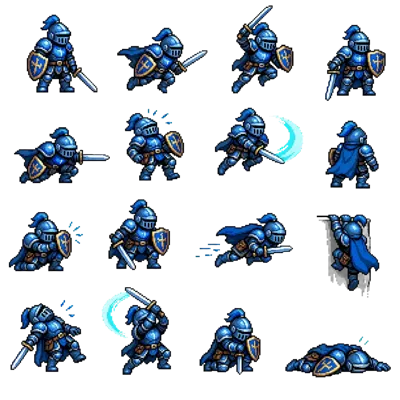
A nine-tile grid post turns one image into a banner across your profile. This guide covers sizing your source image, cutting it into nine equal tiles, and the reverse upload order that keeps the picture from coming out scrambled.
Read the tutorial →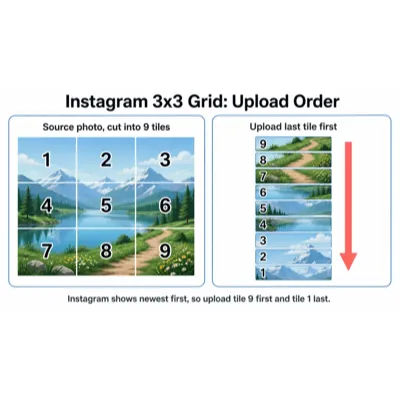
That thin white halo around a cut-out is almost never a bug in the cut-out itself. This guide explains where anti-aliased edge pixels pick up the wrong color, which formats keep alpha, and how to remove a fringe that has already been baked in.
Read the tutorial →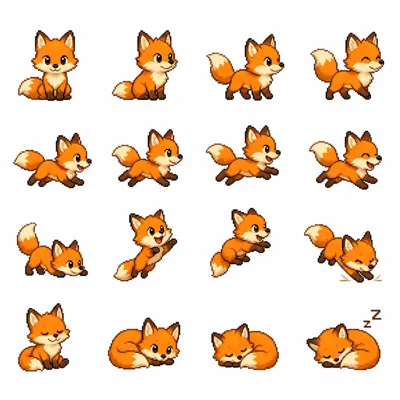
Texture Type, Sprite Mode, Pixels Per Unit, Filter Mode, and compression all have defaults that are wrong for 2D art. This guide explains what each setting does, how to slice in the Sprite Editor, and when pre-slicing the sheet beats Unity auto-slice.
Read the tutorial →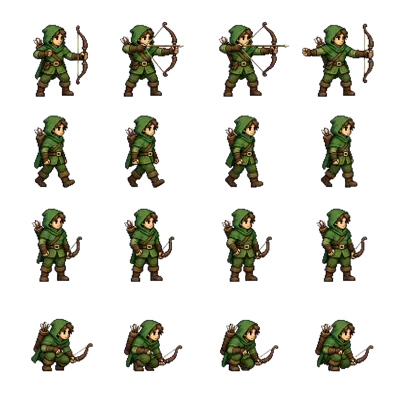
Godot 4 reads a sprite sheet three different ways: AnimatedSprite2D with SpriteFrames, AtlasTexture regions, and hframes/vframes on a Sprite2D. This guide covers which to use, the pixel-art filter settings, and why an uneven sheet breaks all three.
Read the tutorial →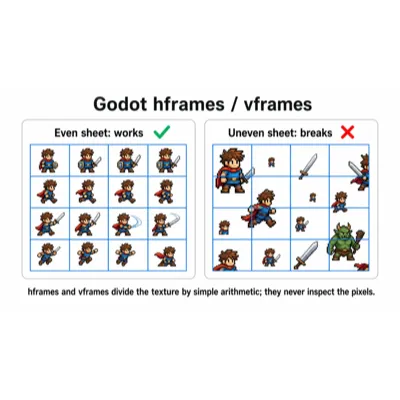
Most AI sprite sheets arrive with drifting grids, baked-in backgrounds, and garbled text labels. This guide gives the specific prompt wording that fixes each problem, two complete example prompts, and the workflow that follows generation.
Read the tutorial →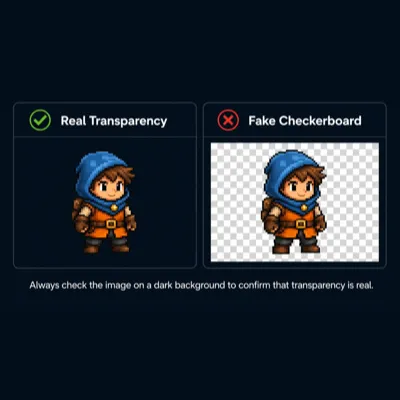
"Use WebP for everything" is wrong often enough to matter. This guide covers how each format compresses, which keep an alpha channel, and the common case where a lossy WebP comes out larger than a palette PNG.
Read the tutorial →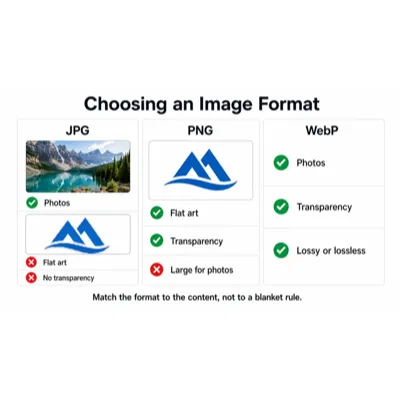
Three levers control file size: dimensions, format, and quality setting. This guide works through them in priority order, with quality sweet spots, palette quantization, metadata stripping, and recipes for common size targets.
Read the tutorial →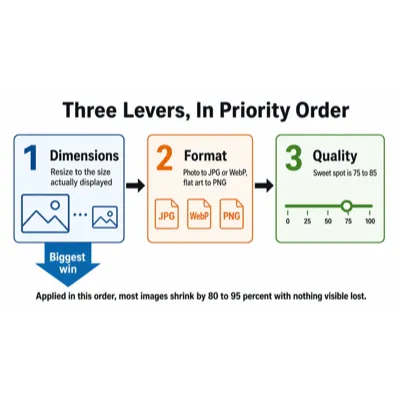
Standard resizing turns pixel art into mud because it blends colors that were never meant to touch. This guide covers nearest-neighbor scaling, why the scale factor has to be a whole number, and what CSS pixelated rendering, engine point filters, and hqx-style algorithms actually do.
Read the tutorial →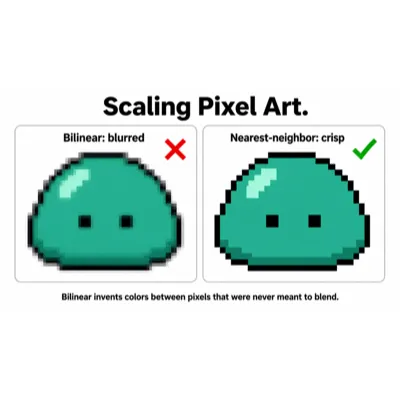
Atlases cut draw calls by packing many sprites into one texture, but packing them edge to edge makes neighbouring colors bleed across the seams. This guide covers bin packing, padding and extrusion, when power-of-two dimensions still matter, and how trimming affects pivots.
Read the tutorial →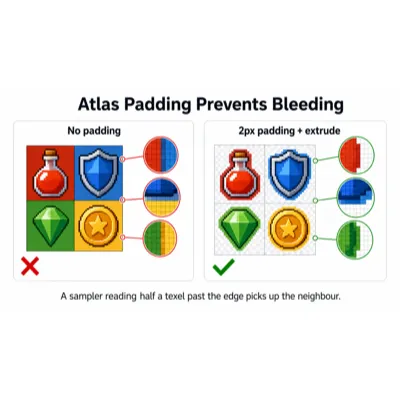
A blank link preview almost always traces to one of a few specific causes: wrong dimensions, an unsupported format, a relative URL, or a stale cache. This guide covers the 1200x630 standard, safe-area cropping, why WebP is the wrong choice here, and how to force each platform to re-scrape.
Read the tutorial →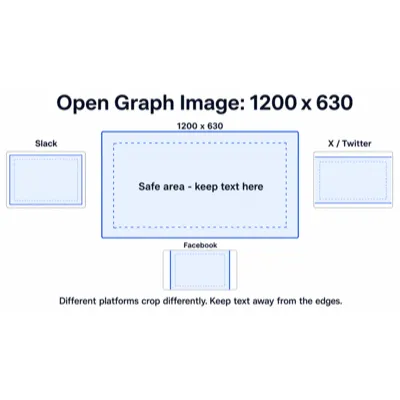
A tileset is harder than a sprite sheet because the seams have to line up when tiles sit side by side. This guide covers picking a tile size, finding the grid offset when the art does not start at pixel zero, handling zero-gap bleeding, and importing into Unity or Godot.
Read the tutorial →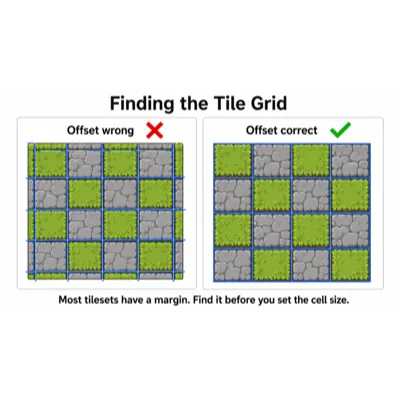
Frame count and playback speed are separate decisions, and conflating them is why animations end up either sluggish or expensive to draw. This guide covers how 8, 12, and 24fps actually feel, rates by action type, hold frames, and keeping animation fps independent of game fps.
Read the tutorial →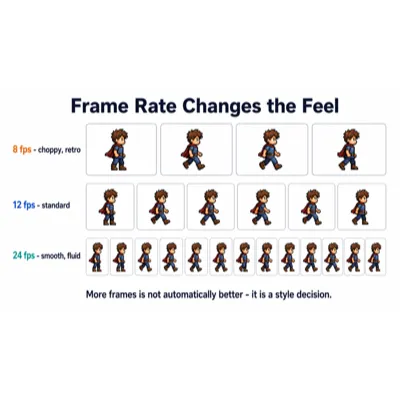
Favicons stayed complicated long after the rest of the web moved on, and most guides list far more files than you need. This guide covers the minimum real set, what each platform actually requests, site.webmanifest, designing a mark that reads at 16 pixels, and beating the cache.
Read the tutorial →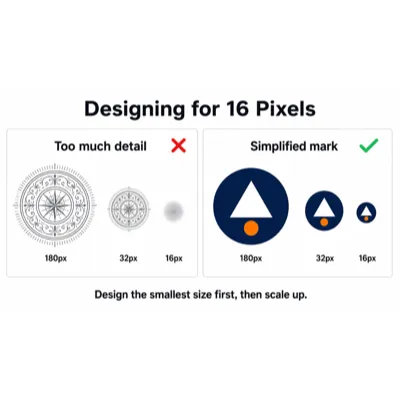
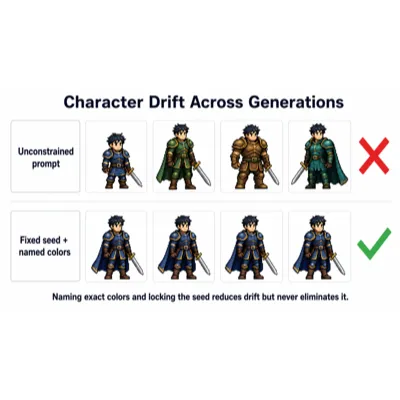
Ask a model for the same character twice and the armor changes color, the cape appears, the proportions shift. This guide covers what seed locking does and where it stops helping, pinning color and material in the prompt, image-to-image with a reference, and fixing drift afterwards.
Read the tutorial →